Configure Inventory Hold Time
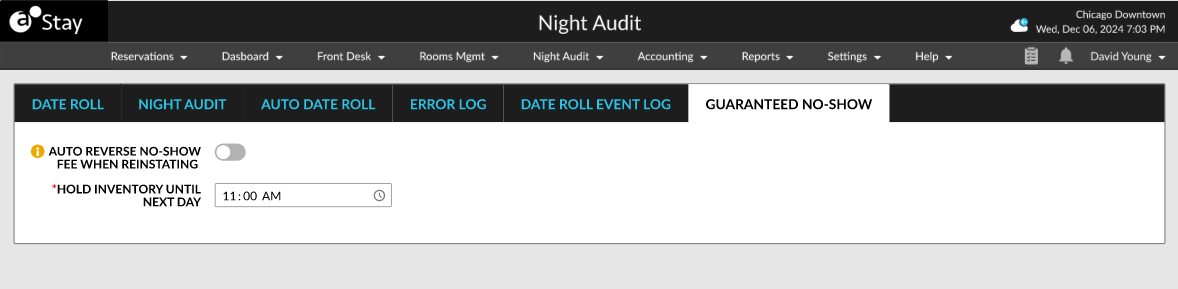
The Guaranteed No-Show tab in the Night Audit screen allows users to configure the inventory hold time in the following field:
-
Hold Inventory Until Next Day: This is a time picker that displays time in the HH:MM AM/PM format. By default, the time displayed is 11:00 AM. The room assigned to the reservations marked as Guaranteed No-Show will be held until the time selected is reached. Once the hold time expires, the status of the reservation is modified as No-Show and the no-show fees is settled using the payment method associated with the reservation.